Recommended
Use the release installer
The installer performs compatibility setup, supports upgrades, and provides the normal uninstall path.
-
01
Download the standard archive
Open the current GitHub release and download the standard archive.
-
02
Extract everything
Extract the complete archive to any temporary location. Do not run the installer from inside the archive.
-
03
Run the installer
Launch
RE_Kenshi_vX.X.X.exefrom the extracted files. -
04
Select Kenshi
Follow the prompts and confirm the intended Steam or GOG installation.
-
05
Launch normally
Start Kenshi through its normal launcher or executable after installation completes.
-
06
Verify the version
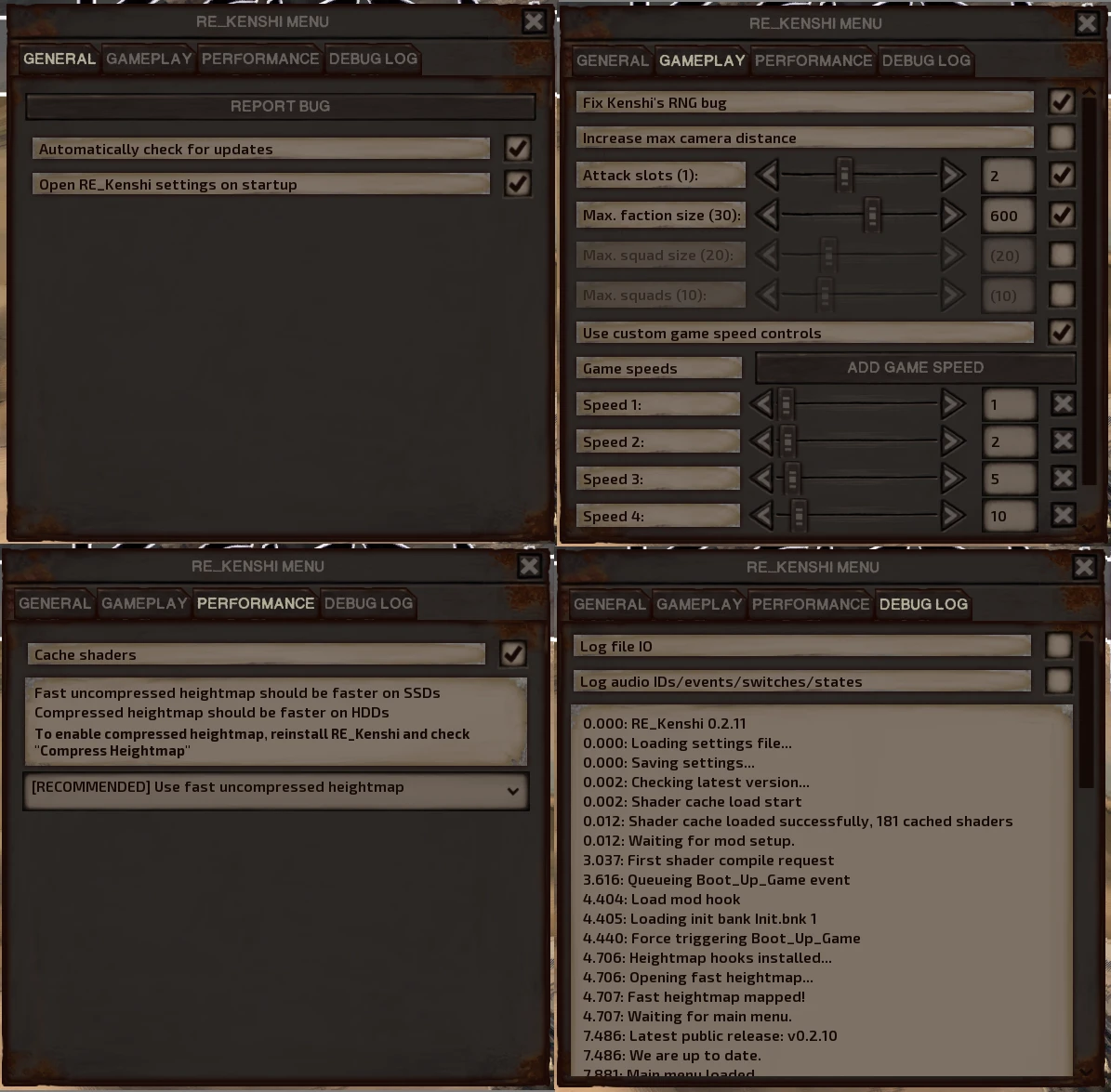
Confirm that the RE_Kenshi version string appears on the main menu.